
 |
 |
How do I sign and read documents ?
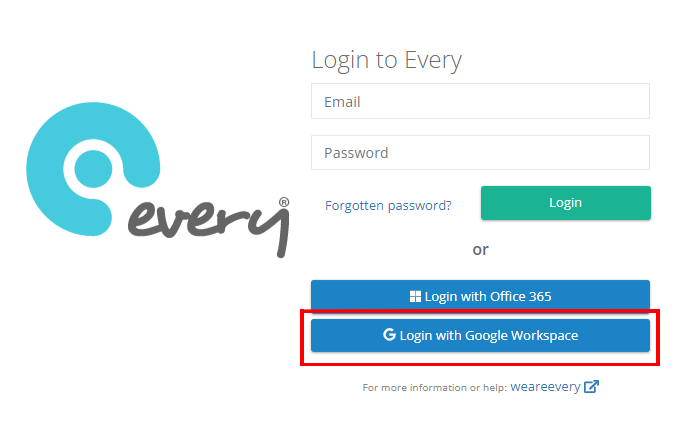
Step 1: Login to Every Compliance (using the left hand link above)
and choose login with Google Workspace
Step 2: Ensure you are in the documents section, click on the eye symbol or URL symbol to open a document in your browser window to read the document.
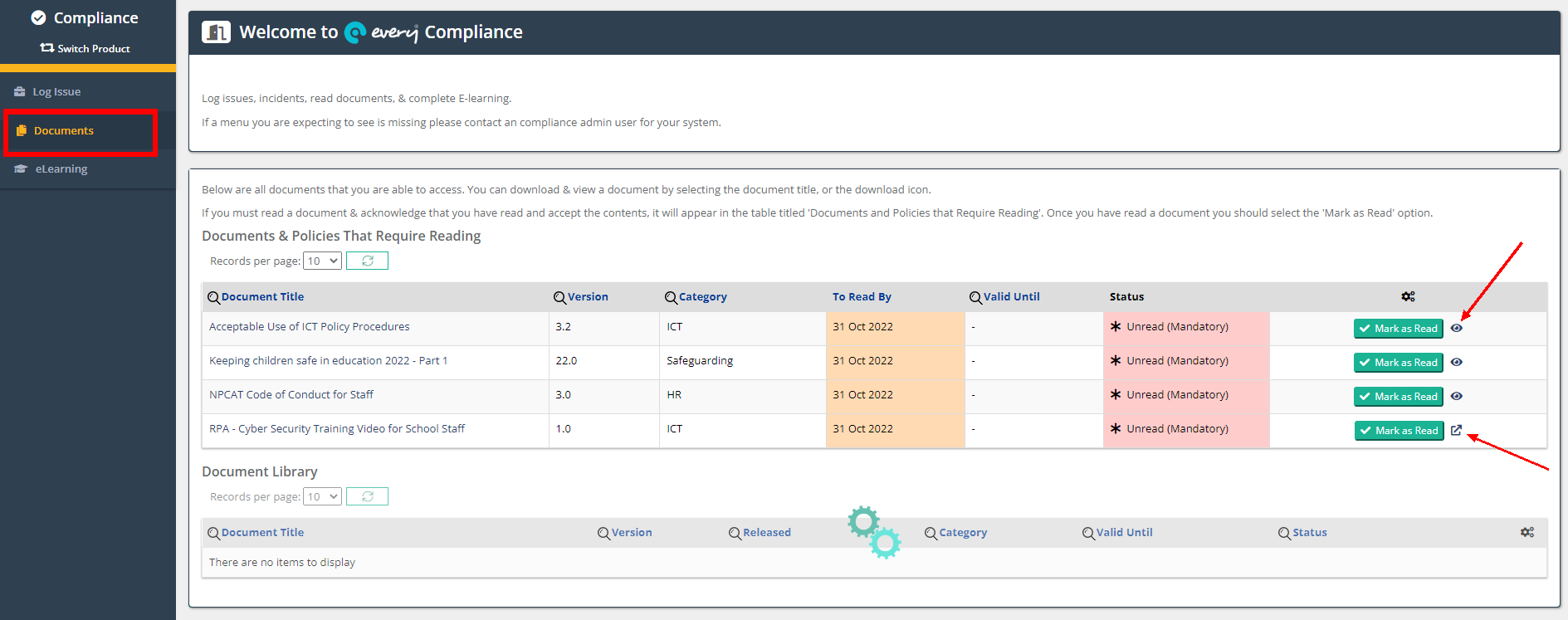
Step 3: Click the Mark as Read icon to Sign as Read and Accepted.