To use your email and calendar on mobile devices, please download the gmail app and calendar app from the App Store (apple) or Play Store (android).
Setup Instructions
Open your Gmail Email App and choose Add New Account, Choose Gmail or Google Mail.
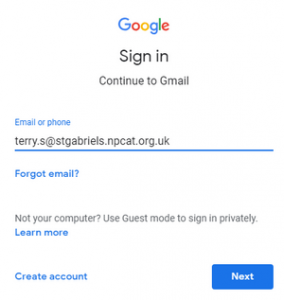
You will see the screen below.
Type in your full email address [email protected]
example:
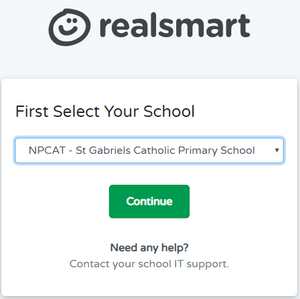
Next choose your school name (listed under NPCAT)
example:
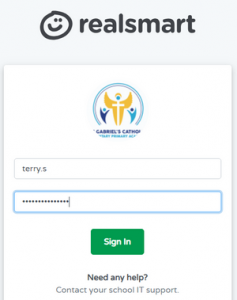
Finally enter your username and password (without schoolname.npcat.org.uk)
example: